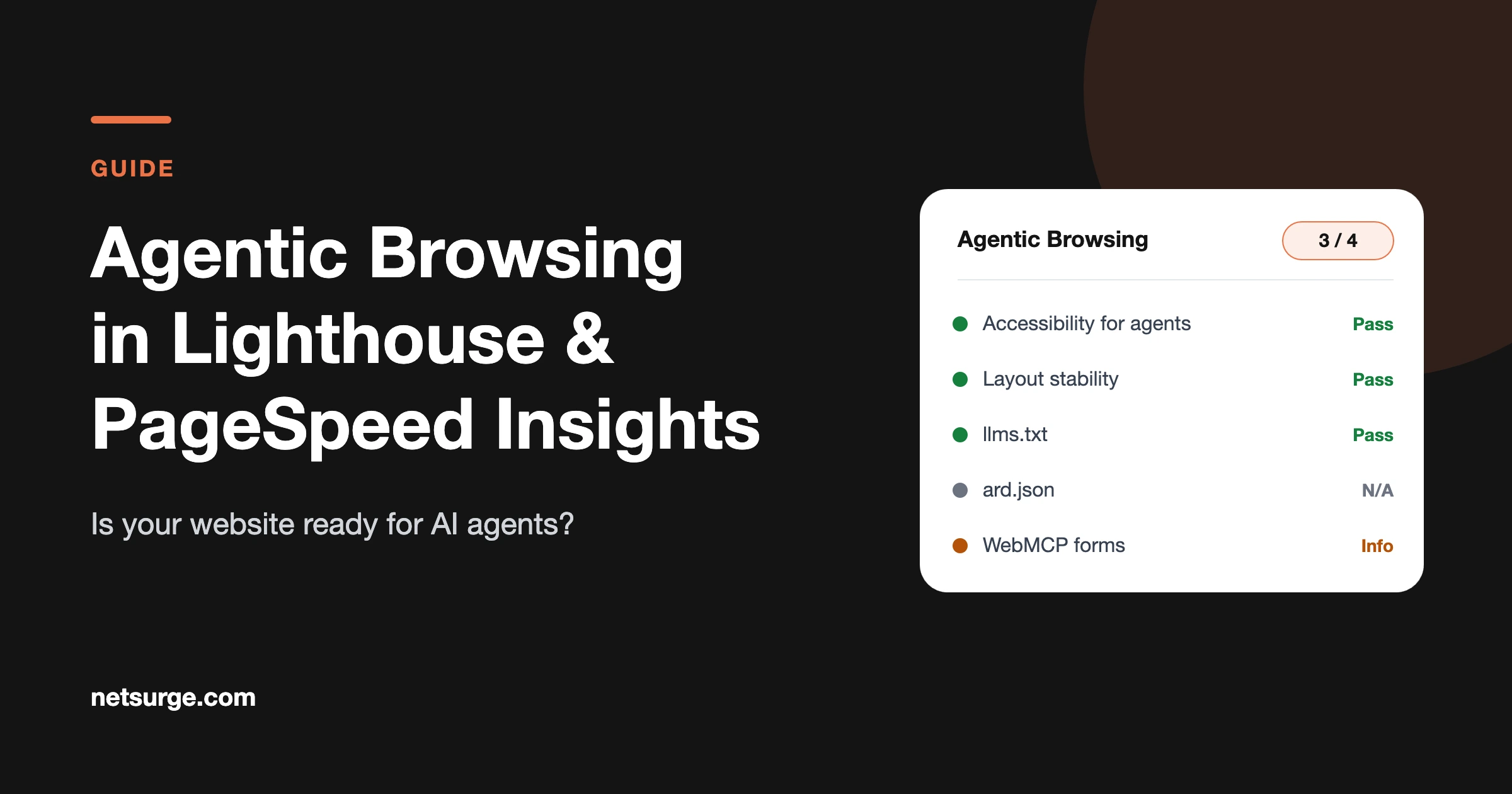
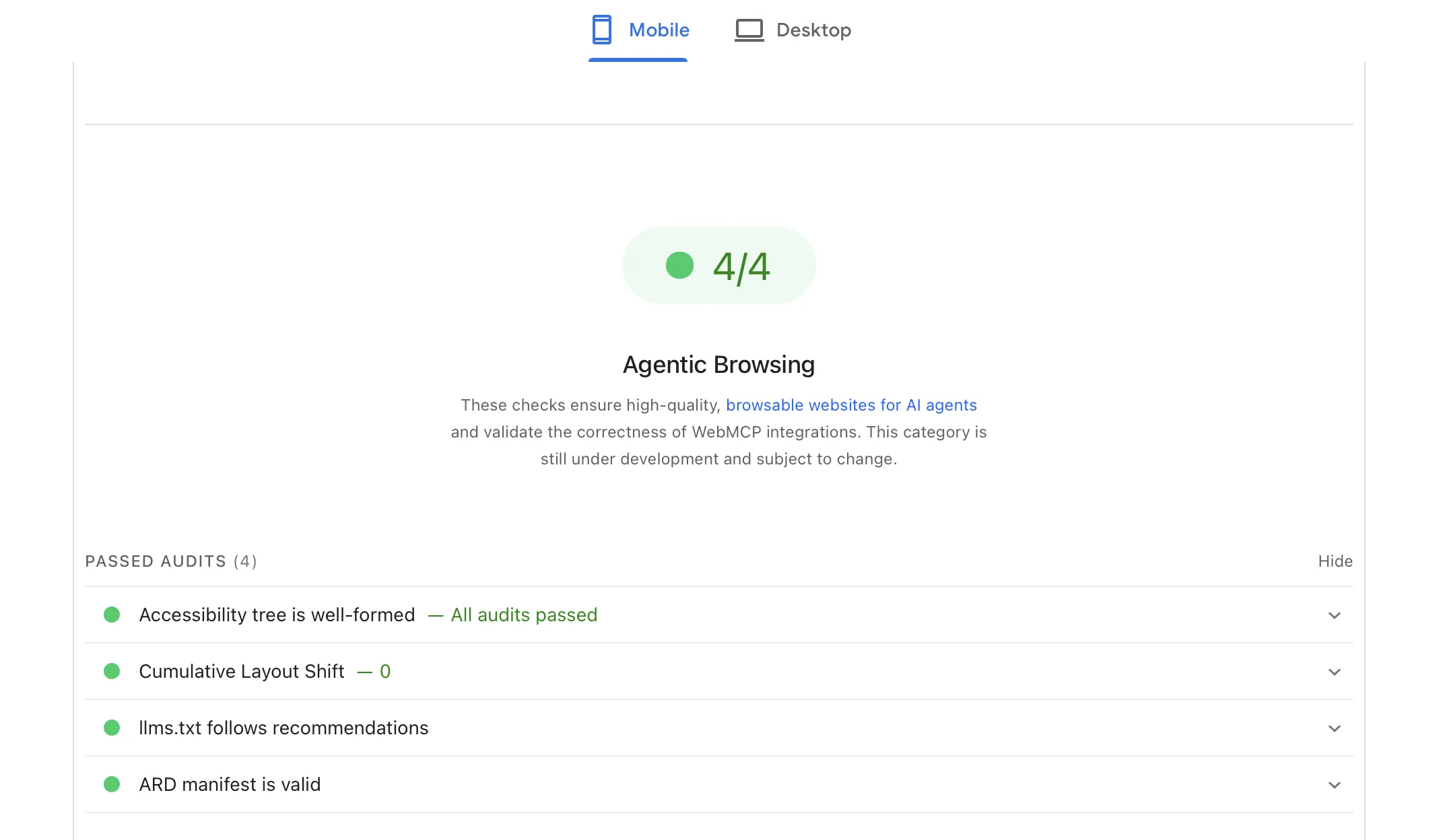
Agentic Browsing is a new, experimental category in Google Lighthouse and PageSpeed Insights that checks how easily AI agents can understand and use your website. It looks at WebMCP tools, accessibility, layout stability, llms.txt and an ard.json manifest. It has no 0–100 score, and Google does not tie it to search rankings.
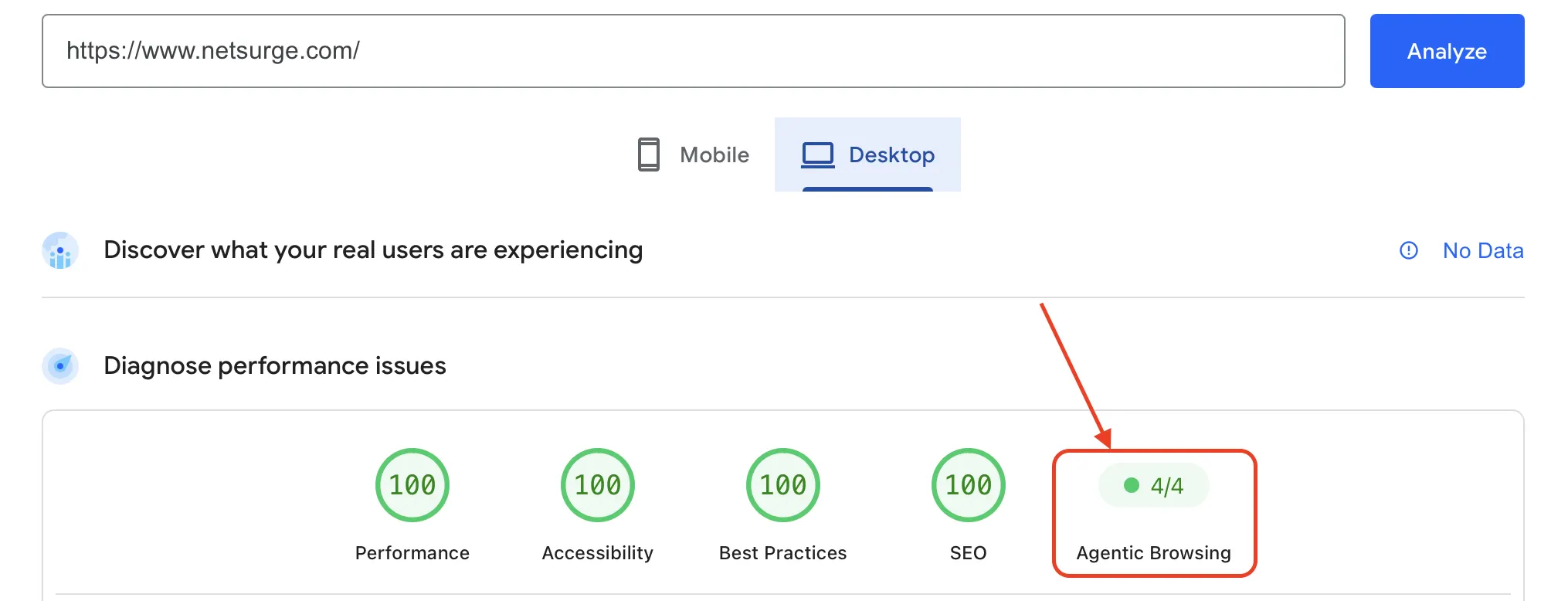
Table of Contents
What is the Agentic Browsing category, and where do you find it?
AI agents increasingly browse websites on a person’s behalf: comparing products, filling in forms, booking appointments. Agentic Browsing is Lighthouse’s way of checking whether your site is ready for them.
The category arrived in Lighthouse 13.3 in May 2026, and Lighthouse 13.5 later added the ARD manifest check. Google labels it experimental and “based on proposed standards”. You can see it in the Lighthouse panel in Chrome DevTools and in PageSpeed Insights once those tools run a recent Lighthouse version; the Lighthouse team said updates usually reach them within a couple of weeks of a release.
How is Agentic Browsing scored?
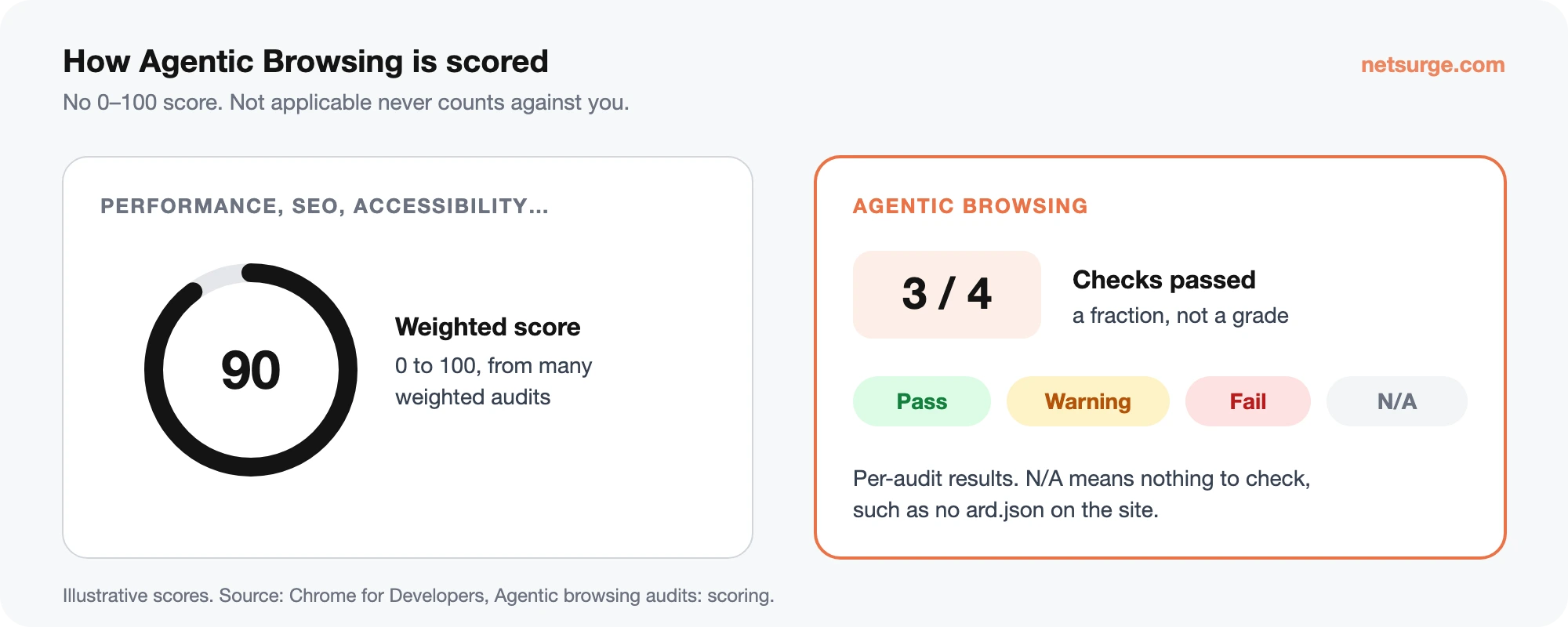
Unlike Performance, Accessibility, Best Practices and SEO, Agentic Browsing does not get a 0–100 score. Google’s documentation says this is because “the standards for the agentic web are still emerging”. Instead you see:
- A fraction: how many readiness checks your page passed.
- Pass, warning or fail on individual audits, for example when a WebMCP form is missing a description.
- Not applicable when there is nothing to check, such as no llms.txt or ard.json file. Not applicable does not count against you.
You won’t fail the category just because you haven’t added AI features. Most content sites will see several audits marked not applicable, and that’s fine. Check out our web development services if you want your website built to high technical standards.
What does each Agentic Browsing audit check?
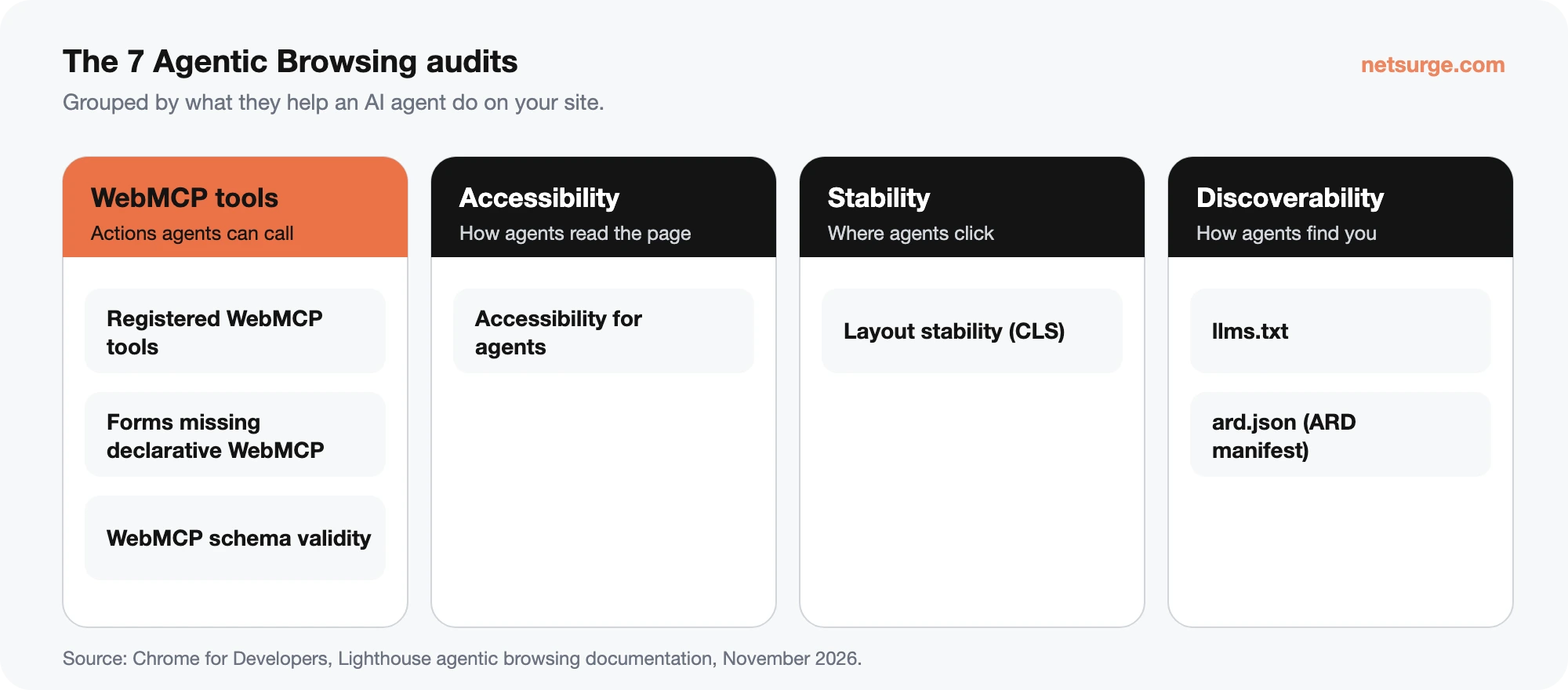
The category has seven audits in four groups: WebMCP tools, accessibility for agents, layout stability, and discoverability files.
| Audit | What it checks | How to pass |
|---|---|---|
| Registered WebMCP tools | Lists tools your page exposes to agents (like “Book a table”) via WebMCP. Informational; warns above 40 tools. | Nothing required. If you add tools, give each a clear action name and description. |
| Forms missing declarative WebMCP | Flags <form> elements without both toolname and tooldescriptionattributes. Informational for now. | Add the two attributes to key forms (example below). |
| WebMCP schema validity | Fails if a form has a tool name but no description (or the reverse), or a required field has no name. Warns if an optional field lacks a description or label. | Complete every tool definition you add. |
| Accessibility for agents | A subset of accessibility checks: names and labels, accessibility tree integrity, visibility. Agents read the accessibility tree to find buttons and fields. | Fix missing labels and accessible names, as you would for screen-reader users. |
| Layout stability | Cumulative Layout Shift (CLS). Agents that act on screenshots or coordinates misclick when elements jump. | Reserve space for images, ads and embeds; avoid late-loading banners. |
| llms.txt | Looks for an llms.txt file at your domain root. A 404 is “not applicable”; a server error is flagged. | Optional. If you publish one, follow the llmstxt.org format. |
| ard.json | Validates an Agentic Resource Discovery manifest at /.well-known/ard.json against the ARD schema. Not found = not applicable. | Only needed if you publish agent tools; see our ARD guide. |
A declarative WebMCP form looks like this:
<form toolname="request_consultation" tooldescription="Requests a free SEO consultation from Netsurge">
  <input name="email" type="email" toolparamdescription="The person's email address">
  <button type="submit">Book a consultation</button>
</form>
Does Agentic Browsing affect SEO or Google rankings?
Not directly, based on everything Google has published so far. The category sits outside the SEO category, its release notes don’t link it to Google Search, and Google describes the related ARD standard as “a specification rather than a Google Search feature”. Google’s John Mueller has also been skeptical that llms.txt-style files help AI systems tell sites apart.
That said, several audits overlap with things that already matter:
- Accessibility and clear labels help real users, screen readers and AI agents alike.
- Layout stability (CLS) is already a Core Web Vitals metric used in Google’s page experience signals.
- Clean, well-labelled forms make it easier for anyone, human or agent, to contact you.
Our advice: fix the accessibility and CLS items now because they pay off today. Treat WebMCP, llms.txt and ARD as low-cost preparation for agent traffic, not as ranking factors. For getting cited in AI answers, the work that matters is still generative engine optimization.
How to improve your Agentic Browsing results on WordPress
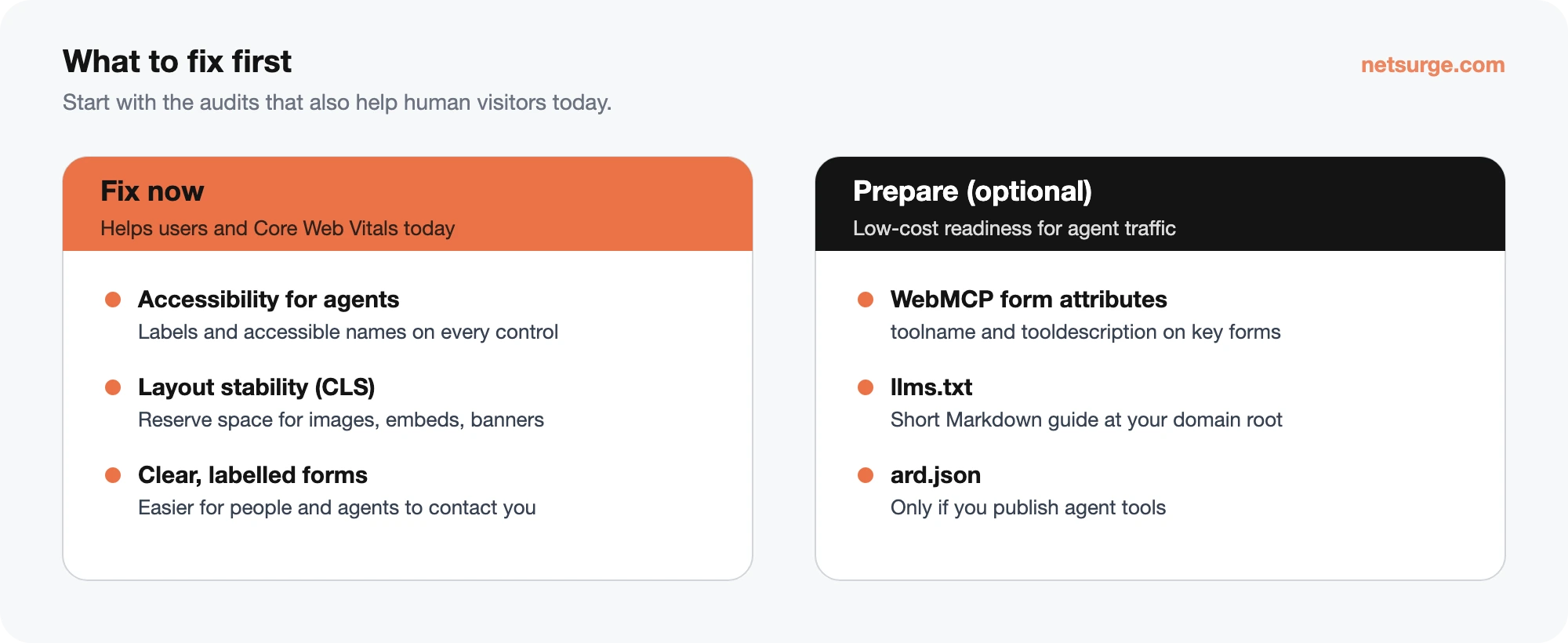
Work through these in order; the first two help human visitors today as well.
- Run the test. Open your page in Chrome, press F12, open the Lighthouse panel and include the Agentic Browsing category. Or use PageSpeed Insights if it shows the category for your site.
- Fix accessibility gaps. Give every button, link and form field an accessible name. In WordPress, check icon-only buttons in your theme, page-builder forms and image links without alt text.
- Cut layout shift. Set width and height on images, reserve space for embeds and cookie banners, and avoid injecting content above what’s already loaded.
- Label your key forms for agents. Add
toolname,tooldescriptionandtoolparamdescriptionto your contact or quote form. Many form plugins don’t expose custom form attributes yet, so this may need a small code snippet or a custom HTML form. - Publish an llms.txt file. A short Markdown file at your domain root that summarizes your site and links your key pages, following llmstxt.org.
- Add an ard.json manifest only if it fits. It is meant for sites that publish agent tools such as MCP servers or skills. Read our ARD guide before adding one.
- Re-test after each change, and expect the audits to change as the standards develop.
Want a second pair of eyes? Our AEO and GEO service includes an agent-readiness check alongside AI visibility tracking.
Frequently asked questions
Why don’t I see Agentic Browsing in PageSpeed Insights?
PageSpeed Insights and Chrome DevTools update to new Lighthouse versions a little after each release, and the category needs a recent version. If it’s missing, run Lighthouse from the latest Chrome DevTools or the Lighthouse command line. Some WebMCP checks also need a recent Chrome version.
Is a low Agentic Browsing result bad for my site?
No. The category is experimental for now, has no 0–100 score and isn’t linked to Google Search rankings. Many audits show as not applicable on ordinary websites. Focus on the accessibility and layout stability items first, since those help real visitors today.
What is WebMCP?
WebMCP is a proposed web standard that lets a website describe actions, such as booking or subscribing, as tools an AI agent can call. Forms use HTML attributes like toolname and tooldescription, and JavaScript tools register through the browser’s model context API.
Do I need an llms.txt file to pass?
No. If Lighthouse finds no llms.txt, the audit is marked not applicable and doesn’t count against you. It is only flagged when your server returns an error. If you publish one, keep it a short Markdown summary of your site and key pages.
Do I need an ard.json file?
Only if you publish capabilities AI agents can use, such as MCP servers, agents or skills. For most business websites it’s optional. Without one, the audit is not applicable.
Want your website ready for AI agents and AI search?
Netsurge helps businesses get found and cited in ChatGPT, Gemini, Perplexity and Google’s AI results, on top of solid SEO. See our AEO and GEO service.
Last updated: November 11th, 2026. Reviewed by: Netsurge Content Team.
Sources
- Chrome for Developers, Agentic browsing audits: scoring
- Chrome for Developers, ard.json audit, llms.txt audit, Registered WebMCP tools, Forms missing declarative WebMCP, WebMCP schema validity, Accessibility for agents, Layout stability
- DebugBear, Lighthouse Agentic Browsing (Lighthouse 13.3 release, May 2026)
- Search Engine Journal, Lighthouse adds ARD audit (Lighthouse 13.5, September 2026)
- Search Engine Journal, Google, Microsoft back draft AI agent discovery spec